Add customizable star ratings with adjustable count, size, color, and dynamic values. Capture ratings through workflows and display real-time feedback for smooth, flexible user interaction.



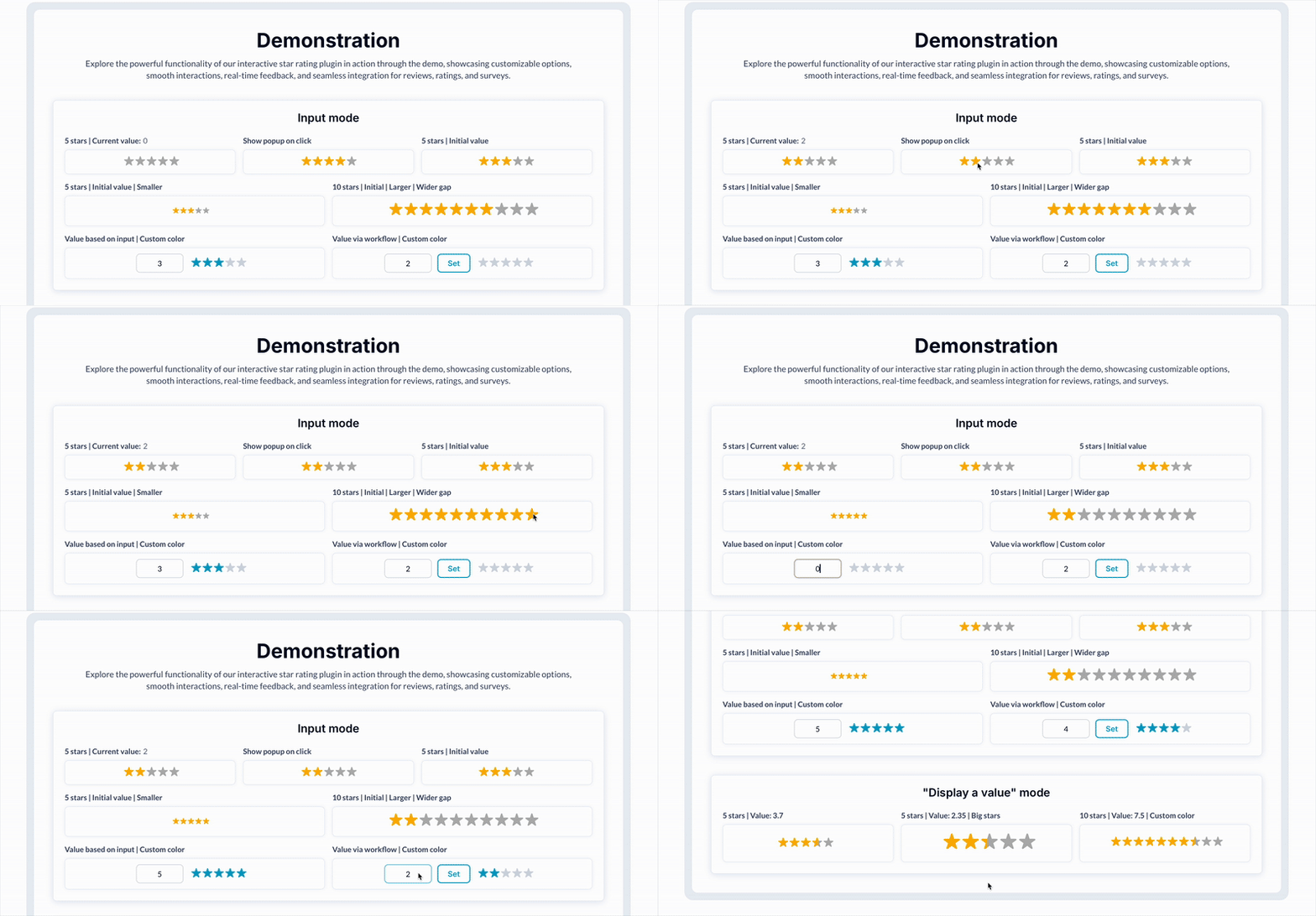 ⚡ Main Functions:
•
Custom star input. Let users submit ratings through a star system.
•
Adjustable star count. Set how many stars appear in the rating element.
•
Workflow compatibility. Trigger workflows when the rating changes.
⚡ Key Features:📱 Responsive design Displays correctly on all screen sizes.
🔁 Multiple instances Use several independent rating elements per page.
🎨 Color customization. Customize star and placeholder colors.
💥 Dynamic average display. Show average ratings from dynamic data.
 Documentation
We’ve created a detailed step-by-step guide for the Star Rating Input Pro plugin. It includes a comprehensive overview of all features, practical use cases, and answers to frequently asked questions.
FAQ-
What is the primary function of the Better Star Rating Input plugin?The Better Star Rating Input plugin allows users to add a customizable star rating input to their Bubble applications for collecting user ratings.
-
How can the appearance of the star rating be customized?The appearance can be customized through size, color, icon type, and spacing options within the plugin settings.
-
Is it possible to set the total number of stars for the rating input?Yes, users can define the total number of stars for the rating input through the plugin settings.
-
Can the plugin handle decimal rating values?No, it is not possible to display decimal values dynamically. You can display decimal values by statically filling the value field in the plugin element.
-
Does the plugin integrate with workflows in Bubble?Yes, the Better Star Rating Input plugin can trigger workflows based on user rating submissions, enabling dynamic application responses.
 Our Similar Plugins
-
Star and Bar Rating-
Animated Rating Stars-
Emoji Ratings Support
If you still have questions or unresolved issues, you can
contact us.
Risk-free TrialThe most risk-free way to try out this plugin is to subscribe to it. If you unsubscribe a few days later you will be charged on pro-rata basis, so for example if the plugin monthly price is $5 then you’d pay only 17¢ per day ($5/30 days)!
 Built on Bubble

 Powered by CoAlias